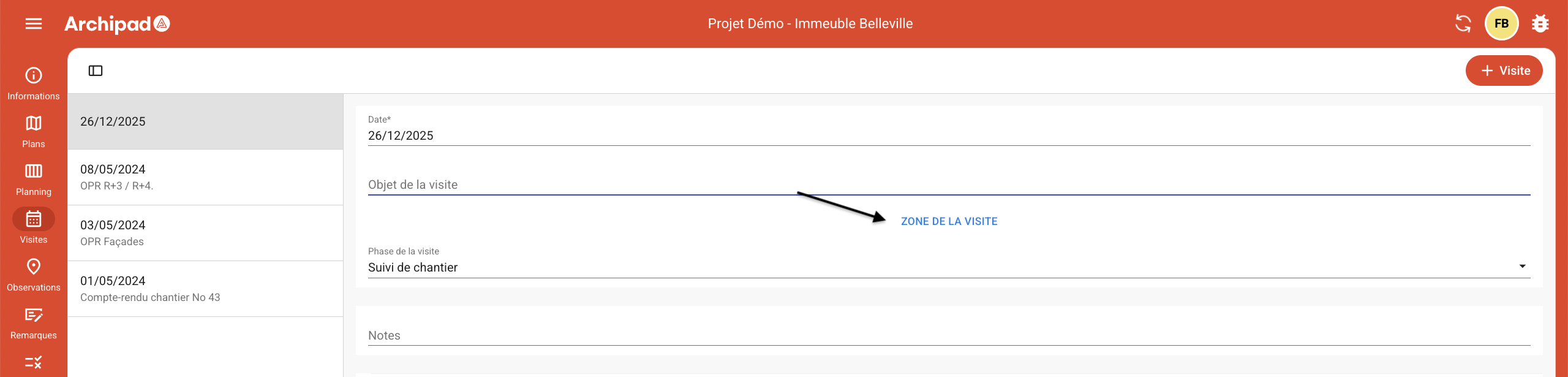
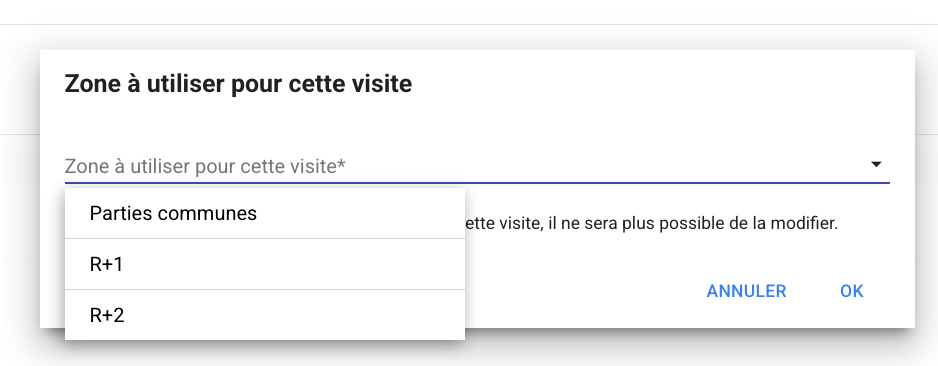
You can assign zones to site visits from Archipad App and Archipad Cloud.
Archipad App
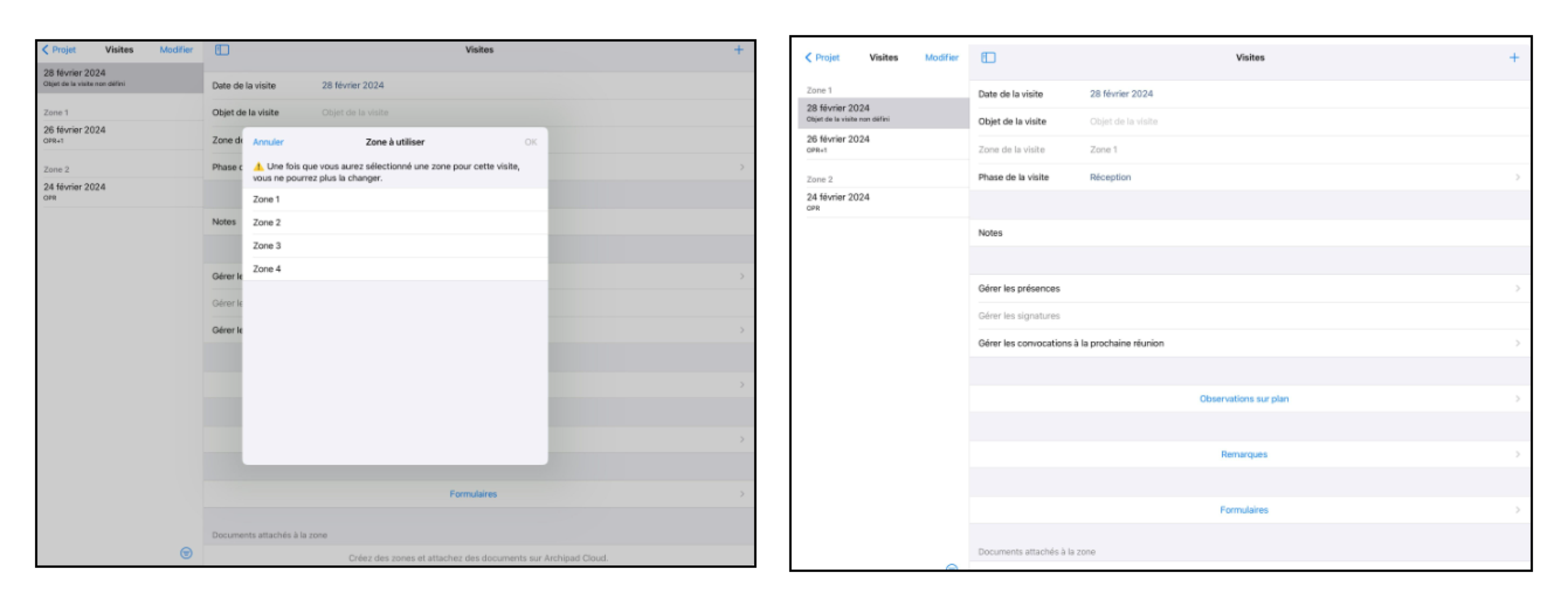
To assign a zone to a site visit on Archipad App:
Access the Site Visits menu.
Select the Site Visit Zone field.
Choose a zone from the “Zone to use” modal.
The selected zone will be automatically added to the “zone” section of the relevant site visit.
Archipad Web
Assigning zones to a site visit on Archipad Web is similar to that on Archipad App.