Available
- 🖥️ Archipad Web
- 🤖 Android (same steps as the Web version)
- 📱 iPhone
Archipad Buyer Aftercare is the continuation of Archipad. It was designed specifically for Buyers and property managers (Common areas).
The primary objective is to enable Buyers to monitor the Progress of their Project in real time and to check the State of Defects at any time.
To facilitate access to data relating to their properties, we offer a dedicated application on iOS and Android platforms as well as access via a web browser.
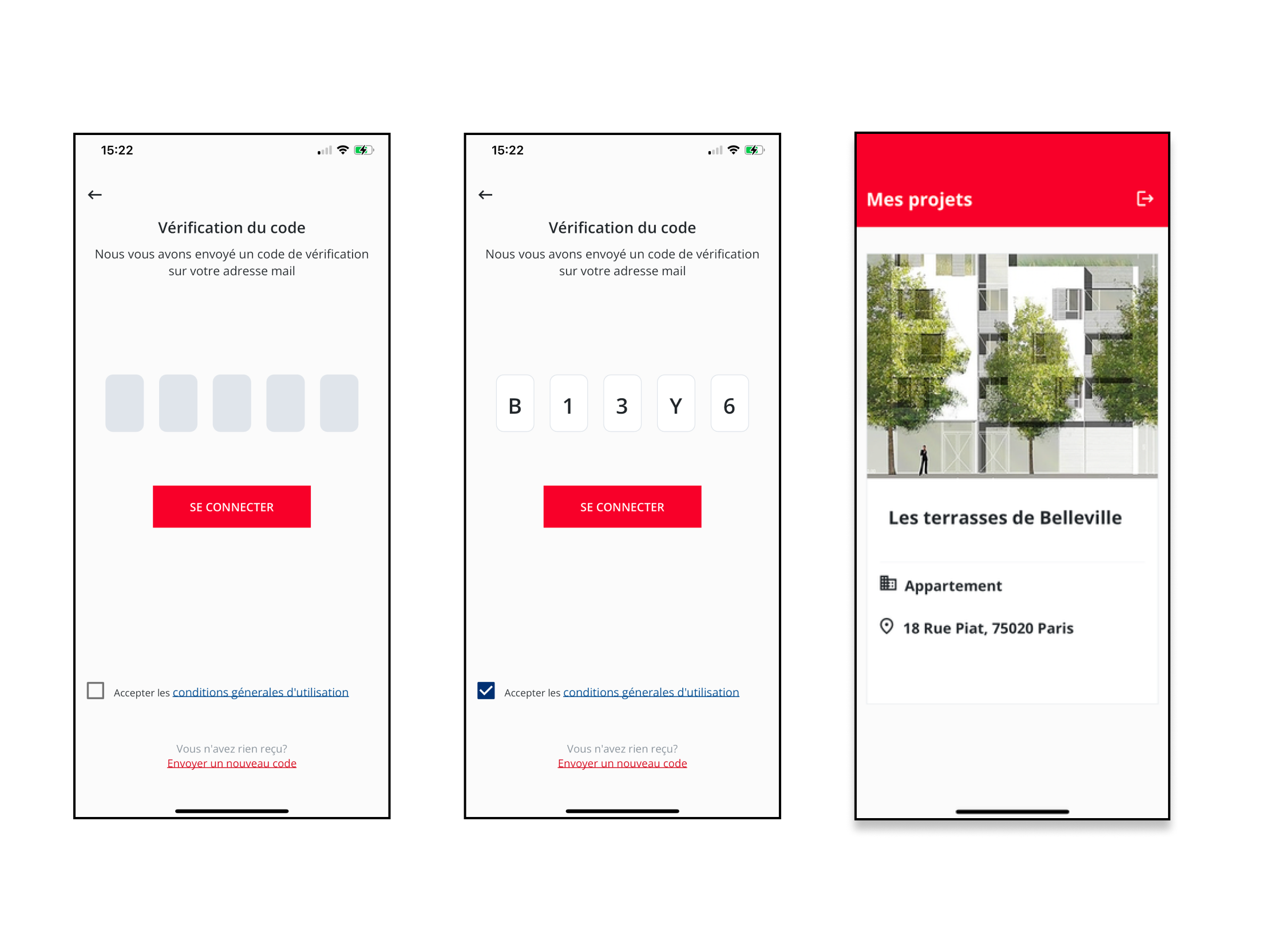
It is important to note that for a Buyer to Sign in, the Contacts linked to the Region in Archipad Web must be correctly filled in, with the buyer’s Email, name and Phone Number properly entered.
When a Buyer enters their Email address, Archipad Buyer Aftercare verifies the validity of this address.
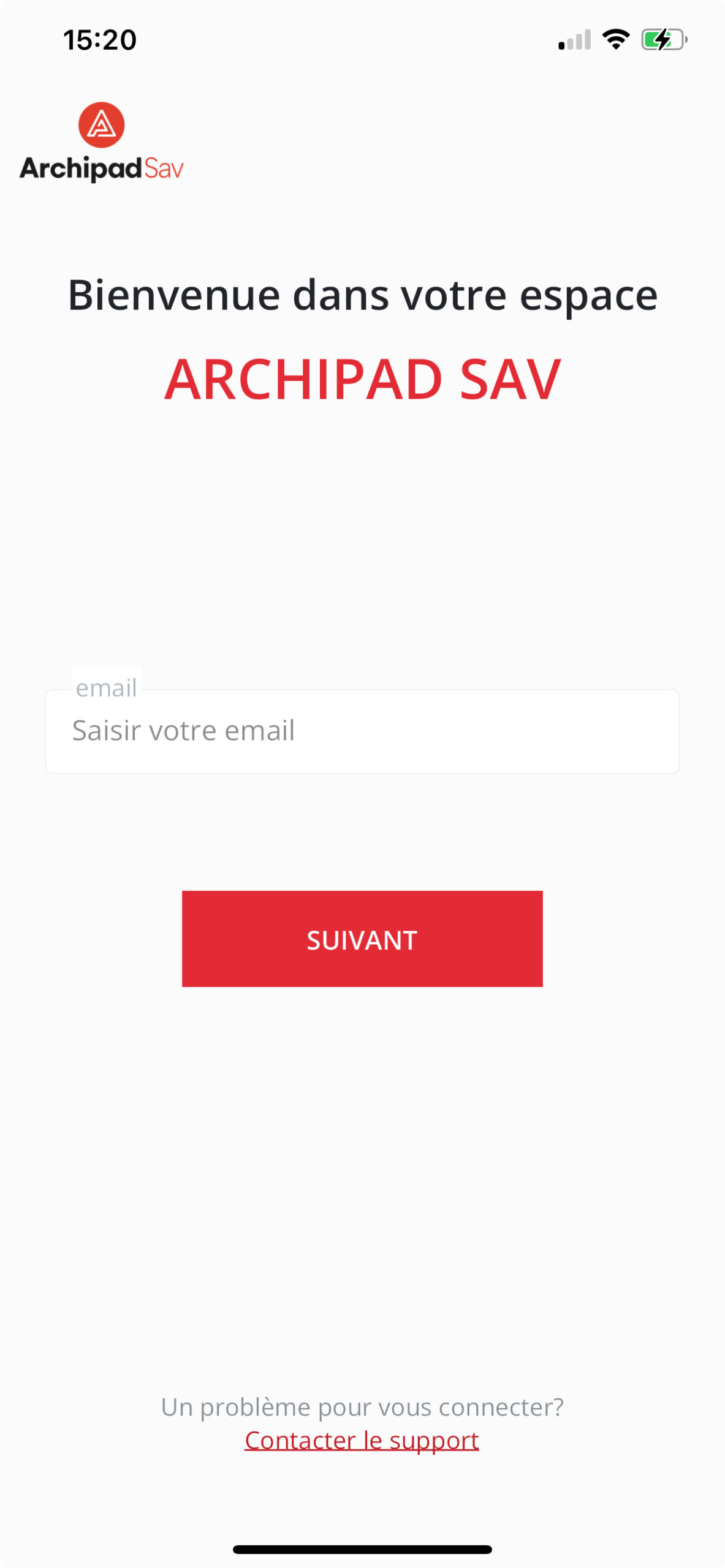
Once the Email address is validated, a verification code is sent to the Buyer’s Email address.
After correctly entering the code received by Email, the Screen allowing the Buyer to Select the Project or Projects in which they have purchased a property is displayed.
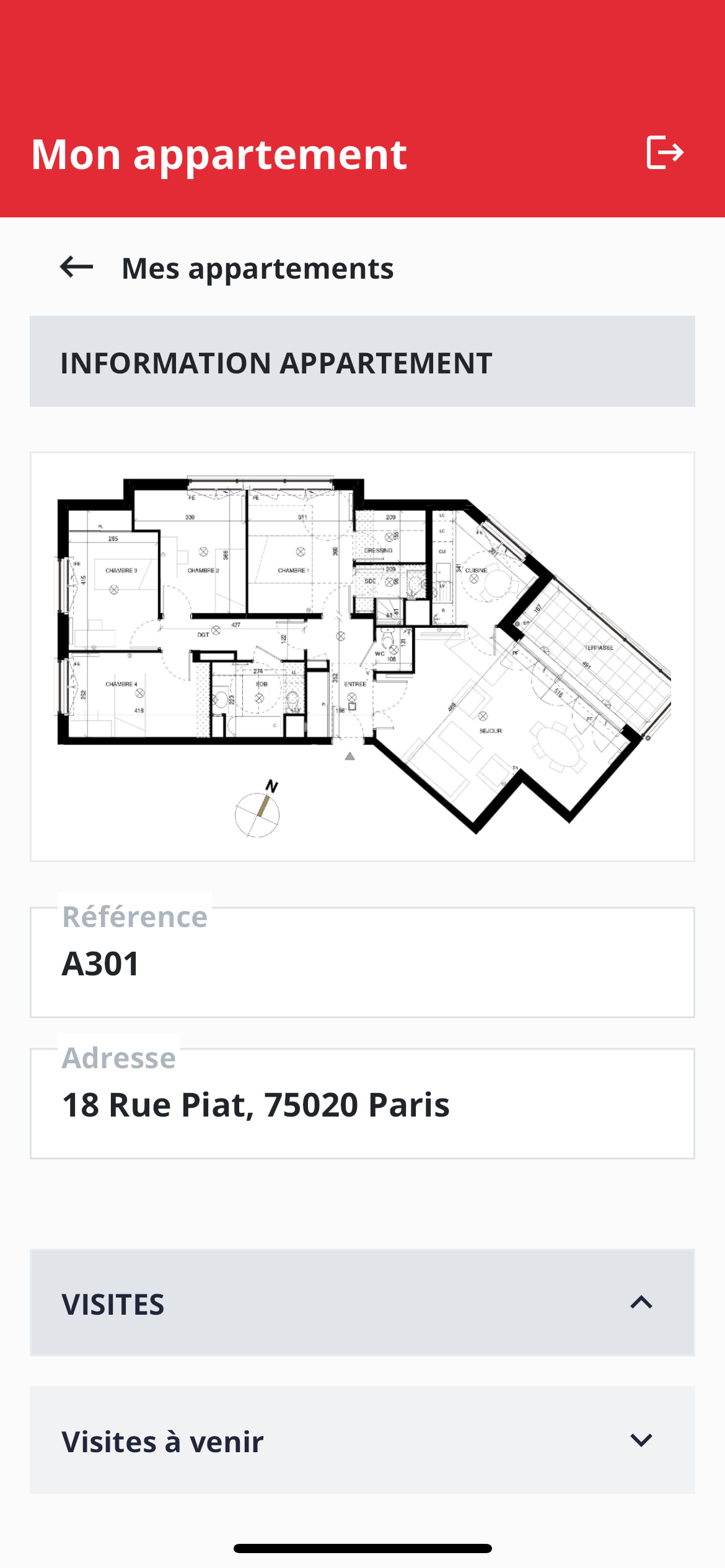
The main Archipad Buyer Aftercare Screen for Buyers brings together all crucial Information, past and Upcoming Meetings, the State of Defects, Plans, and associated Documents.