


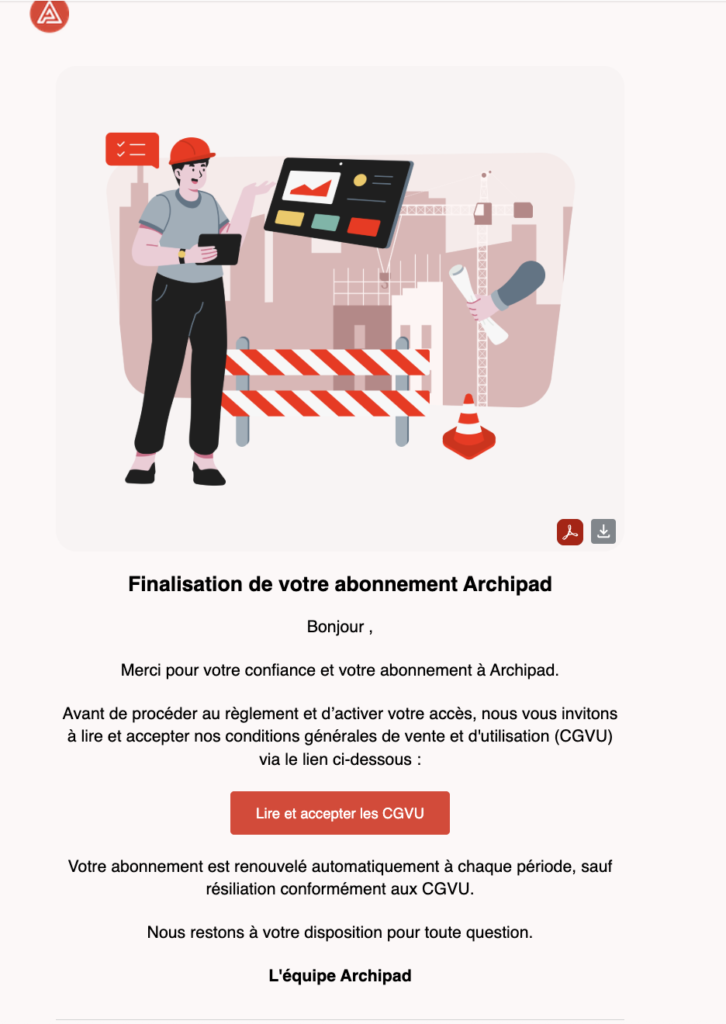
Once your quote is accepted, you receive an email containing a link to finalize your Archipad subscription.
This link allows you to review and accept the terms and conditions of sale and use, then proceed to payment for your subscription.
After payment validation, your subscription is activated. You can then access the Admin Console to manage your licenses and the users associated with your organization.
From the Admin Console, you will be able to view your subscriptions, track your available licenses, and grant access to your team members.
To learn more about using this space, I invite you to consult the article Discover the Archipad Admin Console.