


Create your Archipad account to access the Archipad platforms: Web, iOS, and Android.
Steps
- Go to Archipad Web or open the Archipad application.
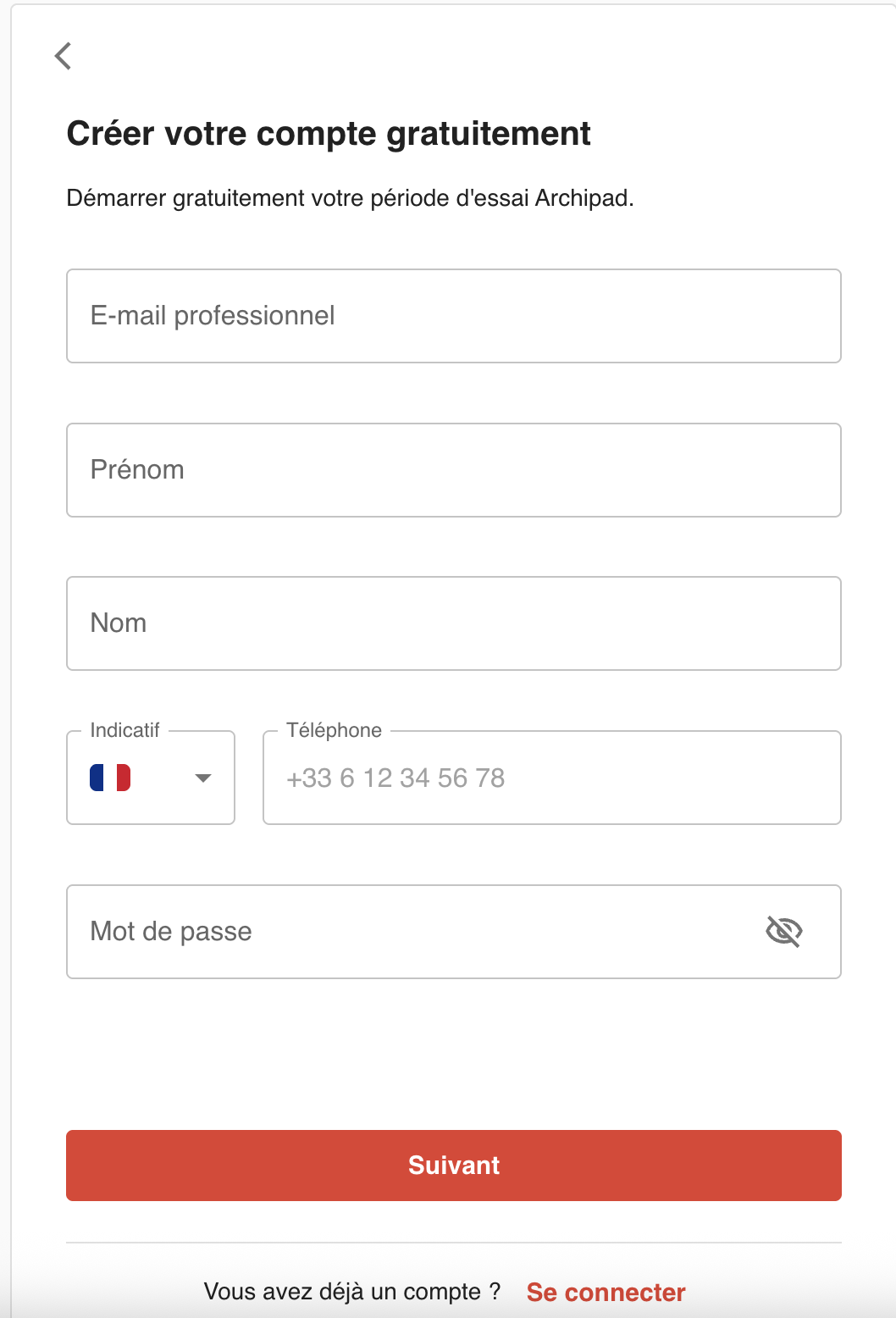
- Click on Create an account.
- Enter your information: professional email, first name, last name, phone number, and password.
- Click on Next.
Password
Your password must meet the criteria displayed on the screen.
These rules strengthen your account security. Keep your password confidential.
Result
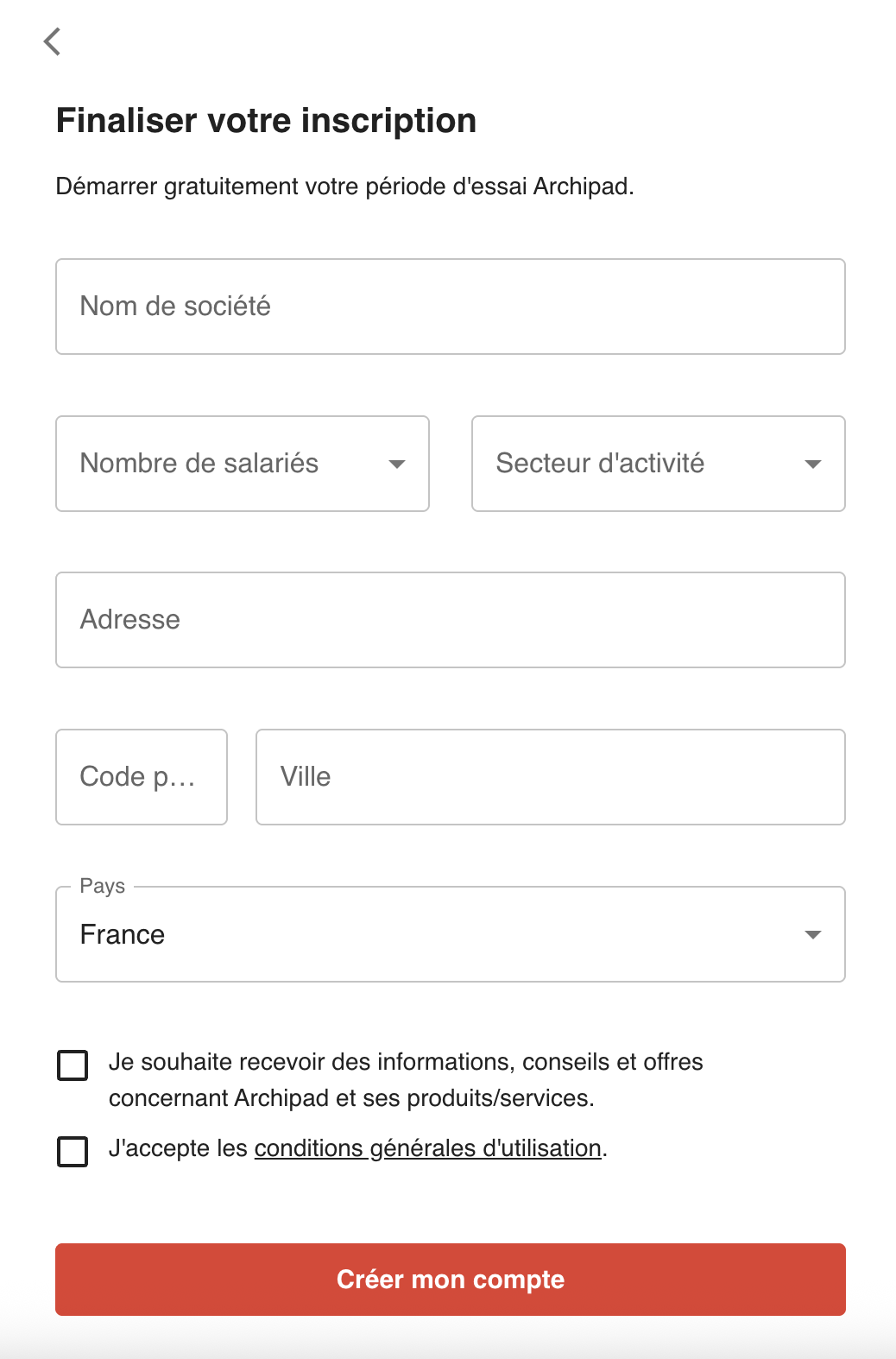
Your account has been created and you can proceed with configuring your Archipad access.
Need help?
If you encounter any issues:
- check the required fields;
- use your professional email;
- verify your password;
- check your internet connection;
- contact Archipad support.