


Available on
- 🖥️ Archipad Web
- 🤖 Android (same steps as the Web version)
Sharing with a Work package allows the Contractor to view and Solve Observations or Punch items assigned to them from the dedicated Archipad.mobi interface.
Steps
- Open the Project, then go to Information > Share.
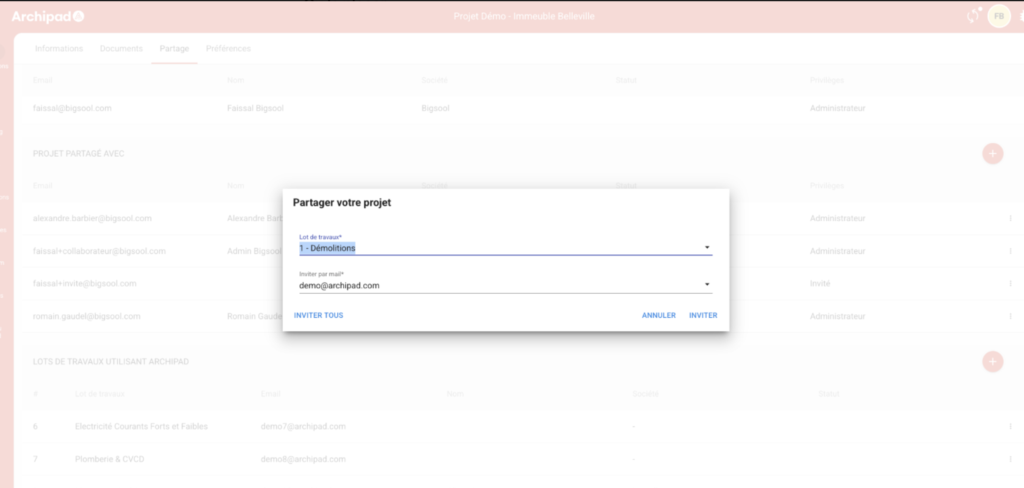
- In the Work packages using Archipad section, click the + button.
- Select the Work package to Share.
- Verify the Address in the Invite by email field.
- Click Invite.
Good to know
If an email Address has already been entered in the Work packages section of the Information page, it is automatically used in the Invite by email field.
Once the sharing is complete, Collaborators can Sign in on any platform: Web, Android, iOS