


You can add seats to your subscription from the Admin Console.
An additional seat allows you to assign a license to a User in your Contractor account.
Add seats
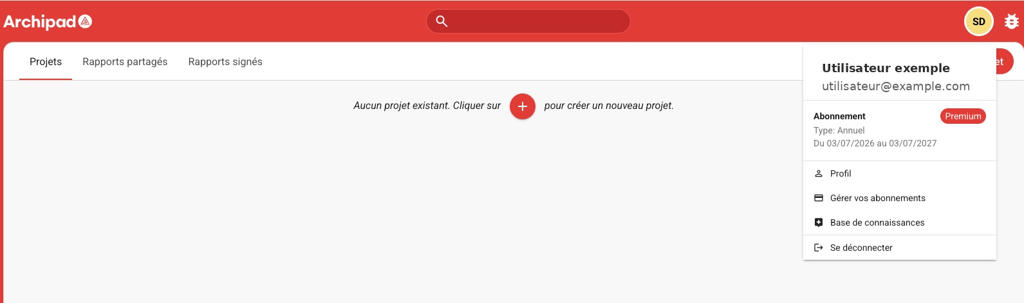
- From Archipad Web, open your user Profile.
- Click on Manage your subscriptions.
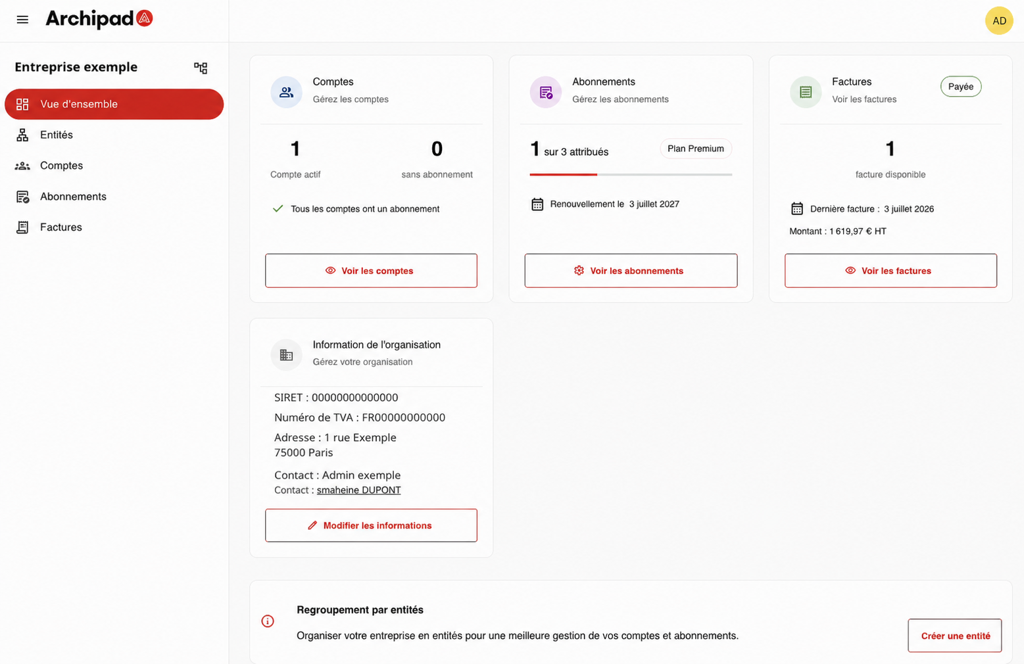
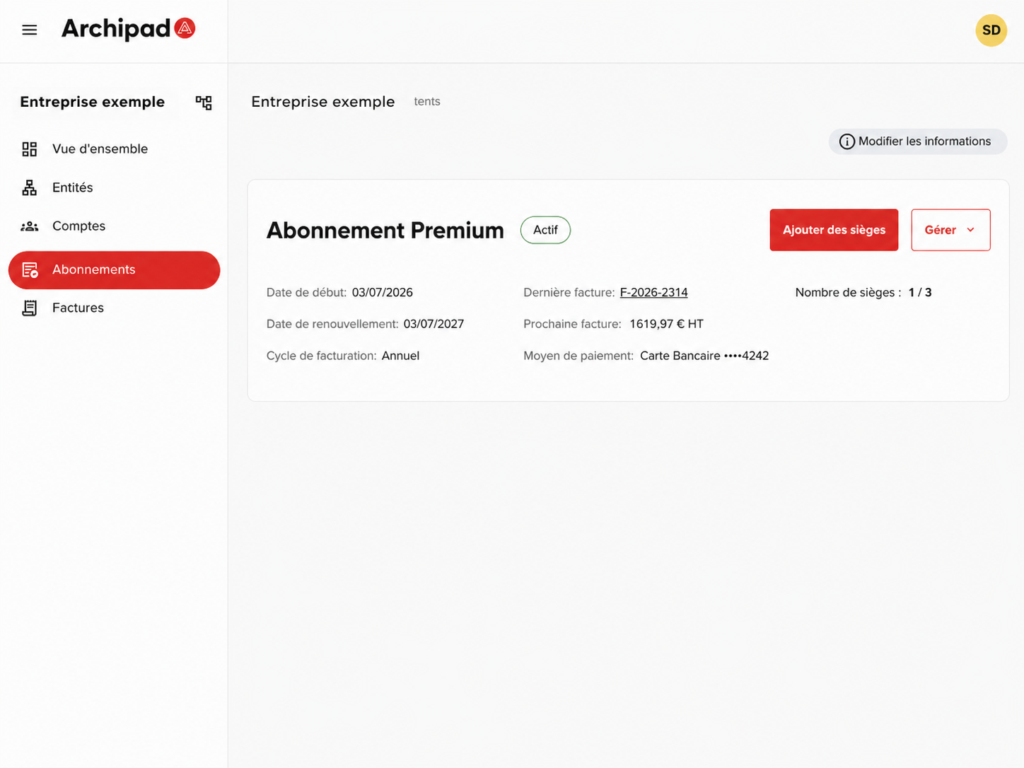
- You are redirected to the Subscription menu in the Admin Console. You can also access the Subscription menu from the View overview in the Admin Console.
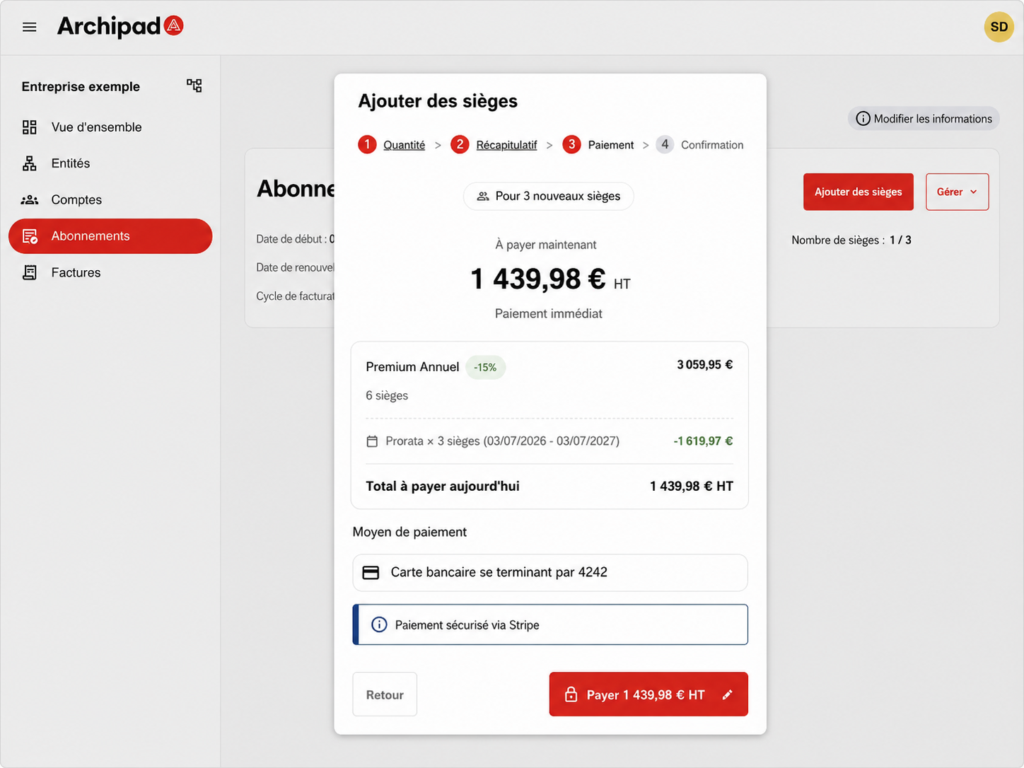
- From the Subscription menu, click on Add seats, then specify the number of additional seats you need.
- Review the summary, then confirm the addition.
Once the addition is confirmed, the new seats are available in your subscription. You can then assign them to your Contractor accounts from the Accounts menu.
An invoice is generated after the seats are added. It is available from the Invoices menu in the Admin Console.