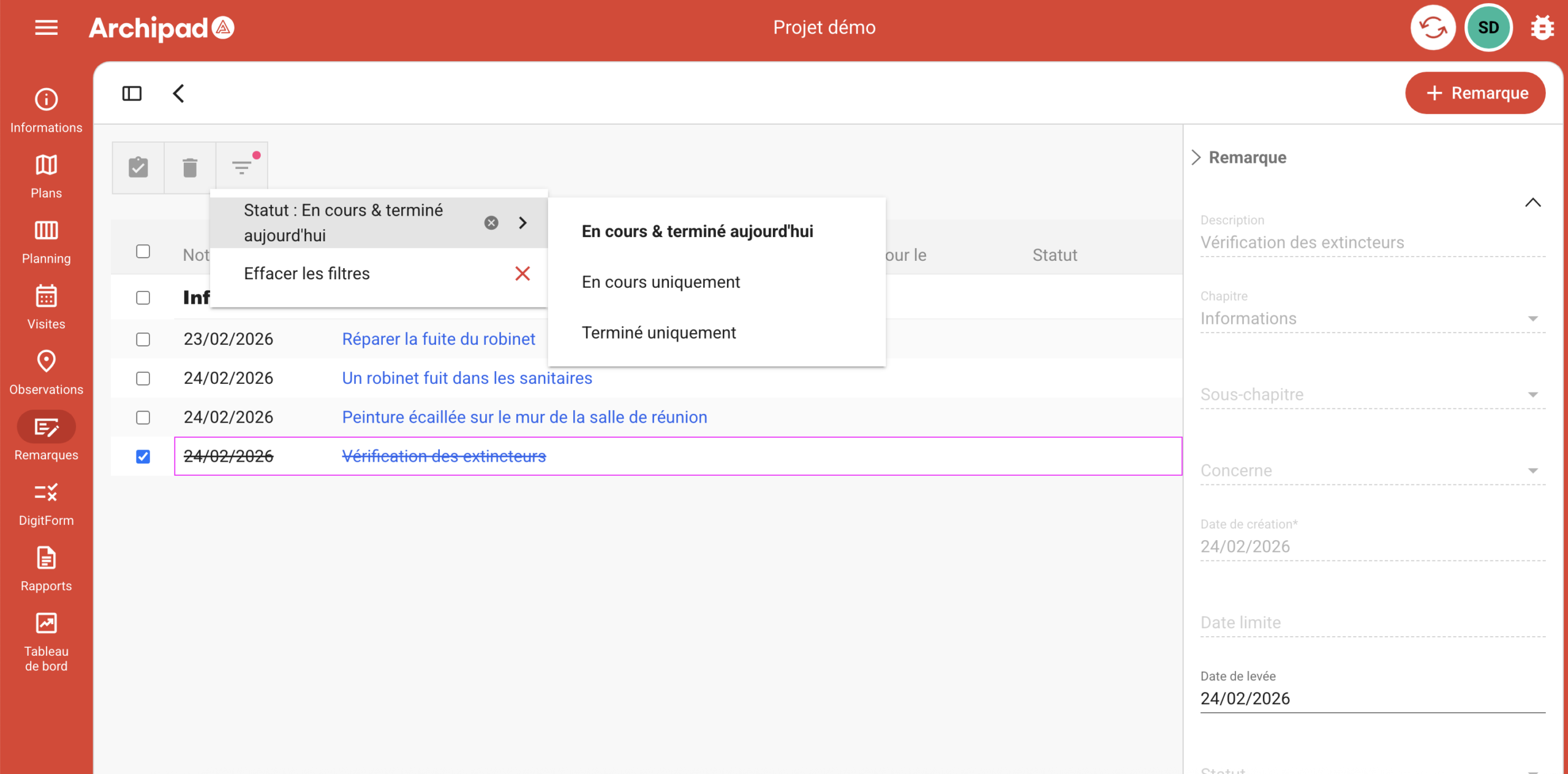
To easily view and track your observations in Archipad, use the filters:
Go to the Observations menu.
Click the Filter icon to open the options.
Choose your desired filter :
In progress & completed today : all observations + those completed today.
In progress only : observations still in progress.
Completed only : completed observations.
These filters allow you to focus on priority observations and easily track project progress.