


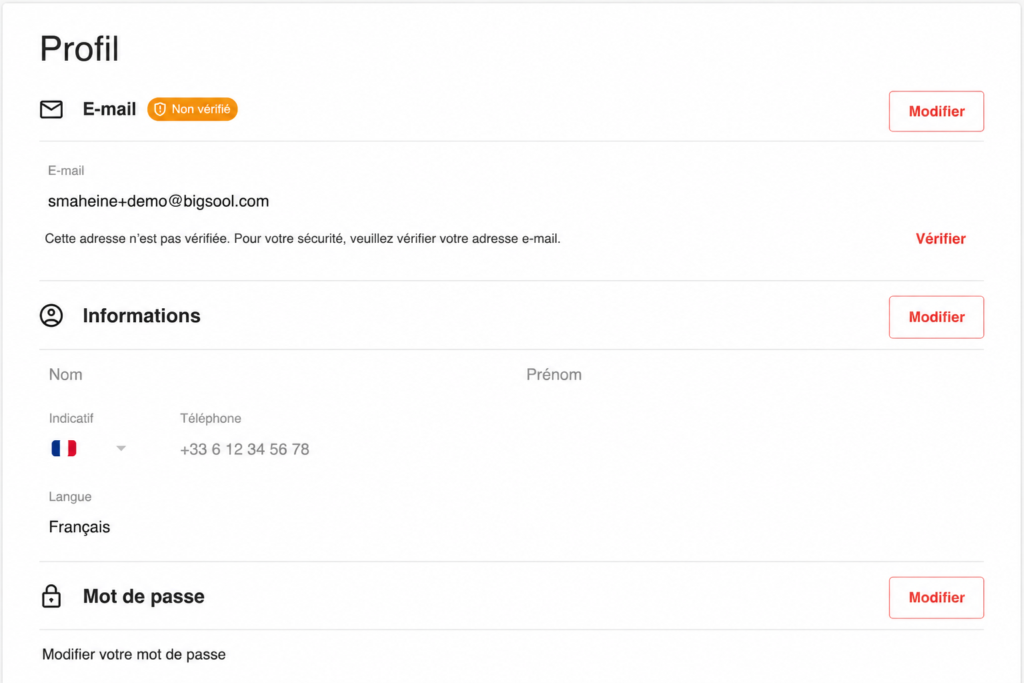
- Open your user Profile from the application menu.
- In the Email section, click on Modify.
- Replace the current address with your new email address, then click on Validate.
- Enter your current password to confirm the update.
- Open the verification email received at the new address, then click on the confirmation link.
The verification link is valid for 1 hour. After this time, you will need to redo the email address change.
Good to know
The email address must be valid and accessible to complete the change. As long as the verification link has not been confirmed, the email address change may not be taken into account.