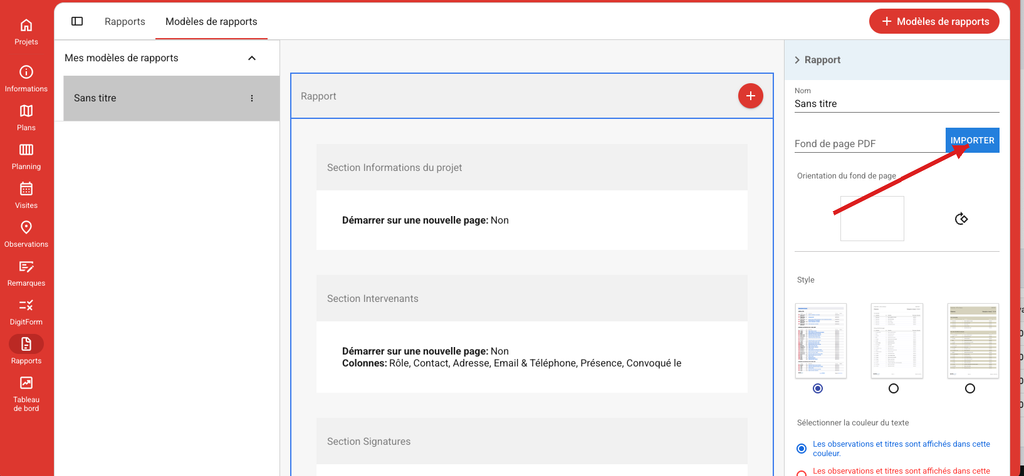
Report templates are created from Archipad Web. Once created, they are available on tablet after synchronization.
How to do it
- In the Reports module, open the Report templates tab.
- Click on + Report templates to create a new template.
- In the right panel, import your PDF page background (logo and footer).
- Save, then synchronize the project to make the template available on tablet.