


Available on
- 📱 Archipad App on iPhone and iPad
Generating a report from a DigitForm is only available from the Archipad App.
Generate report
- Open the relevant project.
- Go to the Reports menu.
- Tap the + button.
- Select Form Output.
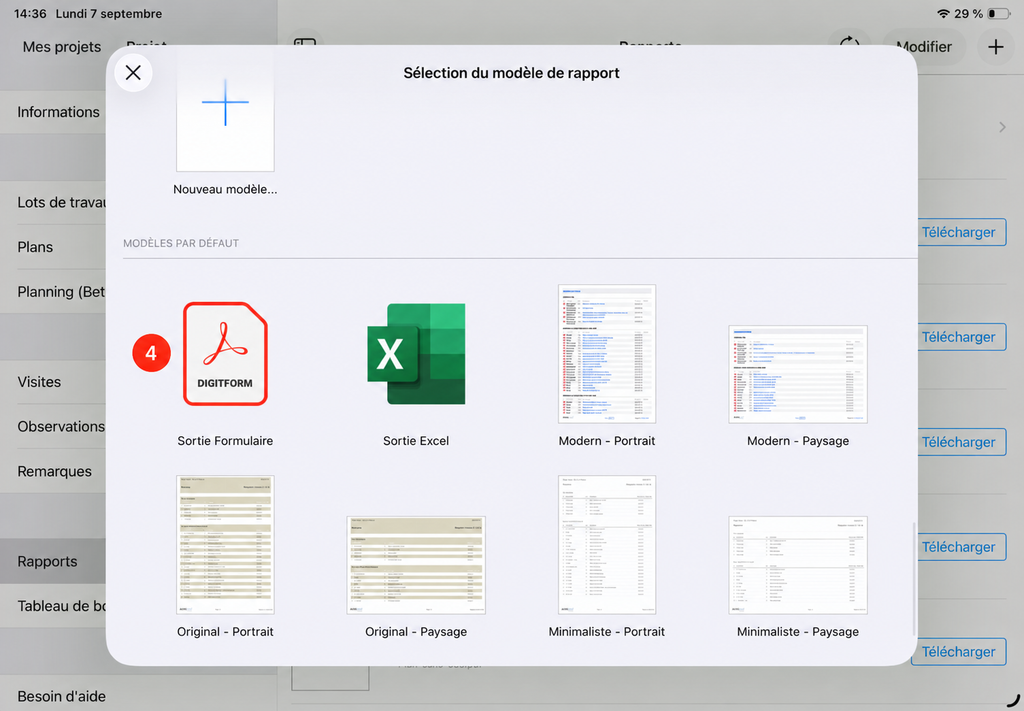
- Select the relevant form definition.
- Choose the completed form to include.
- Generate the report.
Once the report is generated, you can print it or share it as a PDF.