


Available on
- 🖥️ Archipad Web
- 🤖 Android (same steps as the Web version)
- 📱 iPhone and iPad
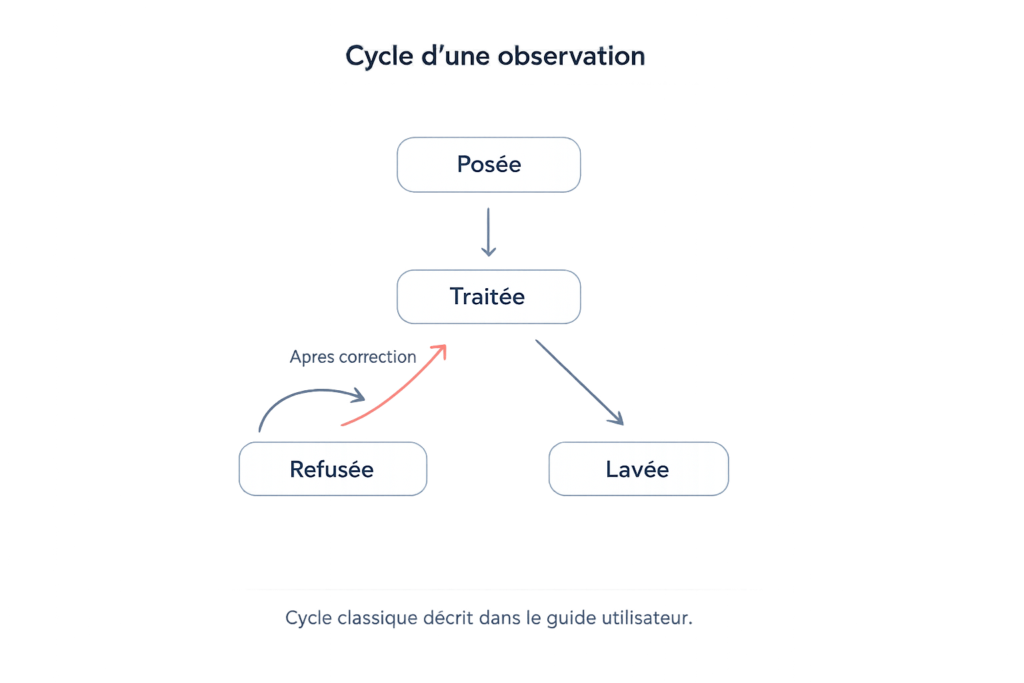
In Archipad, an Observation typically evolves as work progresses and is validated.
- Posée: the Observation has just been Created.
- Traitée: the work has been completed by the responsible Contractor.
- After verification, the Observation can be:
- Levée if the work is accepted;
- Refusée if the work needs to be corrected.
- A Refusée Observation can then be marked as Traitée again after correction.
Good to know
This lifecycle corresponds to the standard workflow for tracking an Observation. The ability to change Status also depends on the User’s permissions.