Available on
- 🖥️ Archipad Web
- 🤖 Android (same steps as Web version)
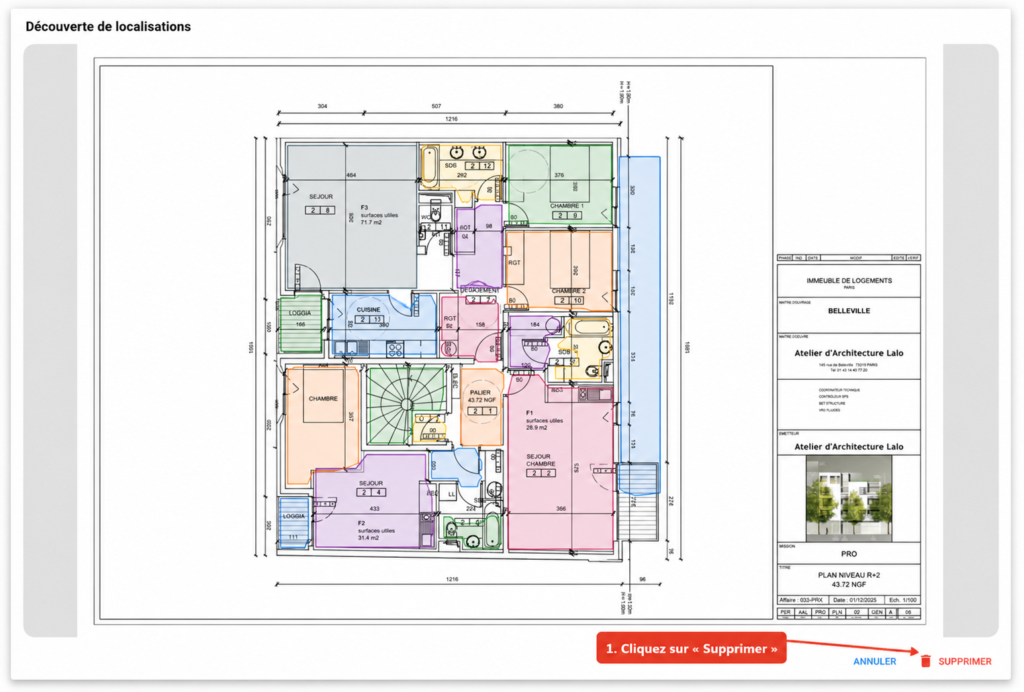
You can delete an existing segmentation to return to the initial Plan display.
Delete the segmentation
- Open the segmented Plan.
- Go back to the segmentation Screen.
- Click Delete.
The segmentation and detected Regions are removed from the Plan.