


Available on
- 🖥️ Archipad Web
- 🤖 Android (same steps as the Web version)
- 📱 iPhone and iPad
Create a Project to centralize your site information: Plans, Participants, Work packages, Meetings, Observations and Reports.
From Archipad Web or Android
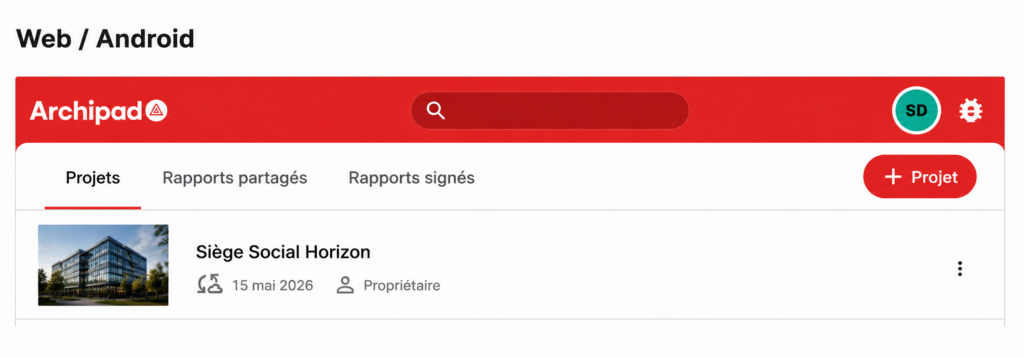
- From the Projects screen, click + Project.
- Fill in your Project information.
From Archipad on iPhone and iPad
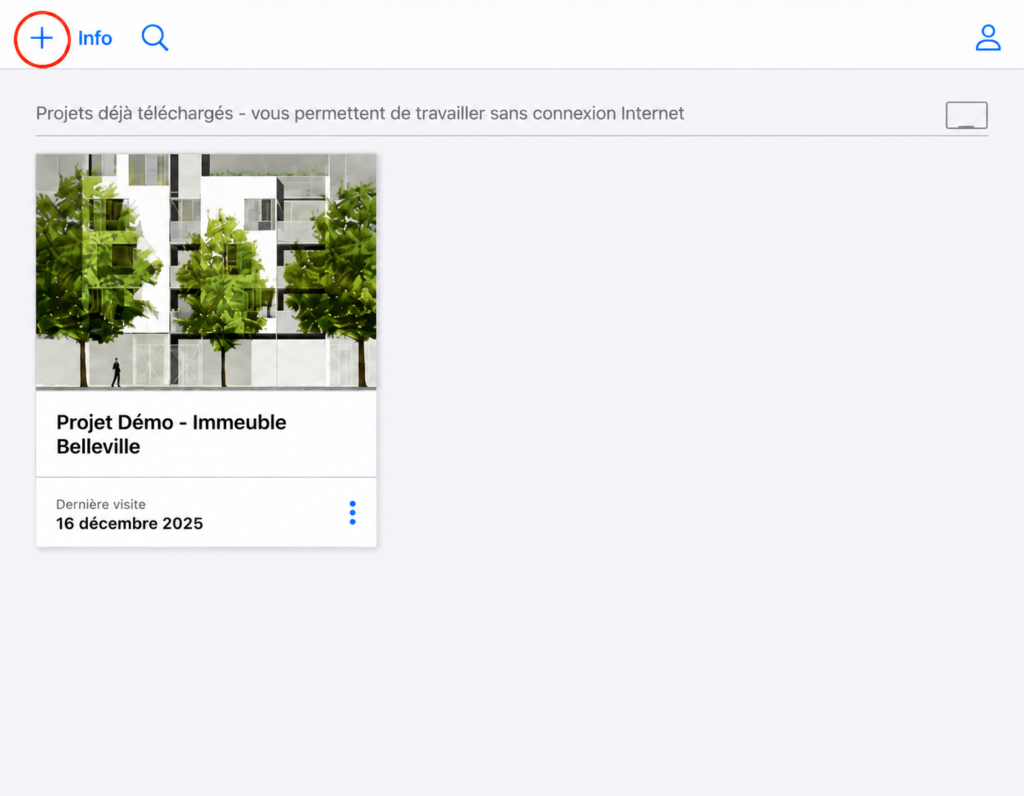
- From the Projects screen, tap the + button.
- Fill in your Project information.
- It will be added to the List and selected automatically.
Good to know
After creating the Project, synchronize your data to make the Project available across all your devices (Web, Android, iPhone and iPad).