


The Rejected Status indicates that the work checked requires further correction.
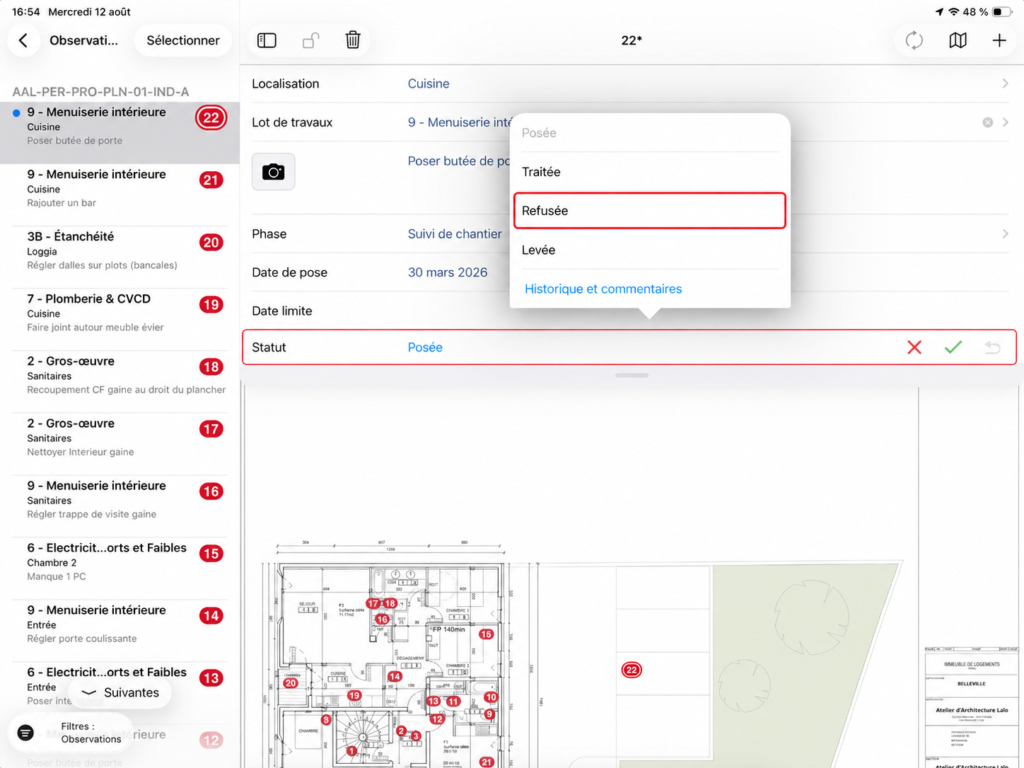
Reject an Observation
- Open the Observation in question.
- Change its Status.
- Select Rejected.
- Add a Comment or Photo if needed to clarify the expected corrections.
Good to know
A Rejected Observation can be marked as Solved again once corrections have been completed. Status change options depend on User permissions.