Buyer Meetings provide a way to record Observations submitted by the Buyer. These Meetings can be Created and edited by the Client Manager, the Collaborator, and the Developer.
A Developer Subscription is required to use this feature.
Archipad App
Here’s how to do it:
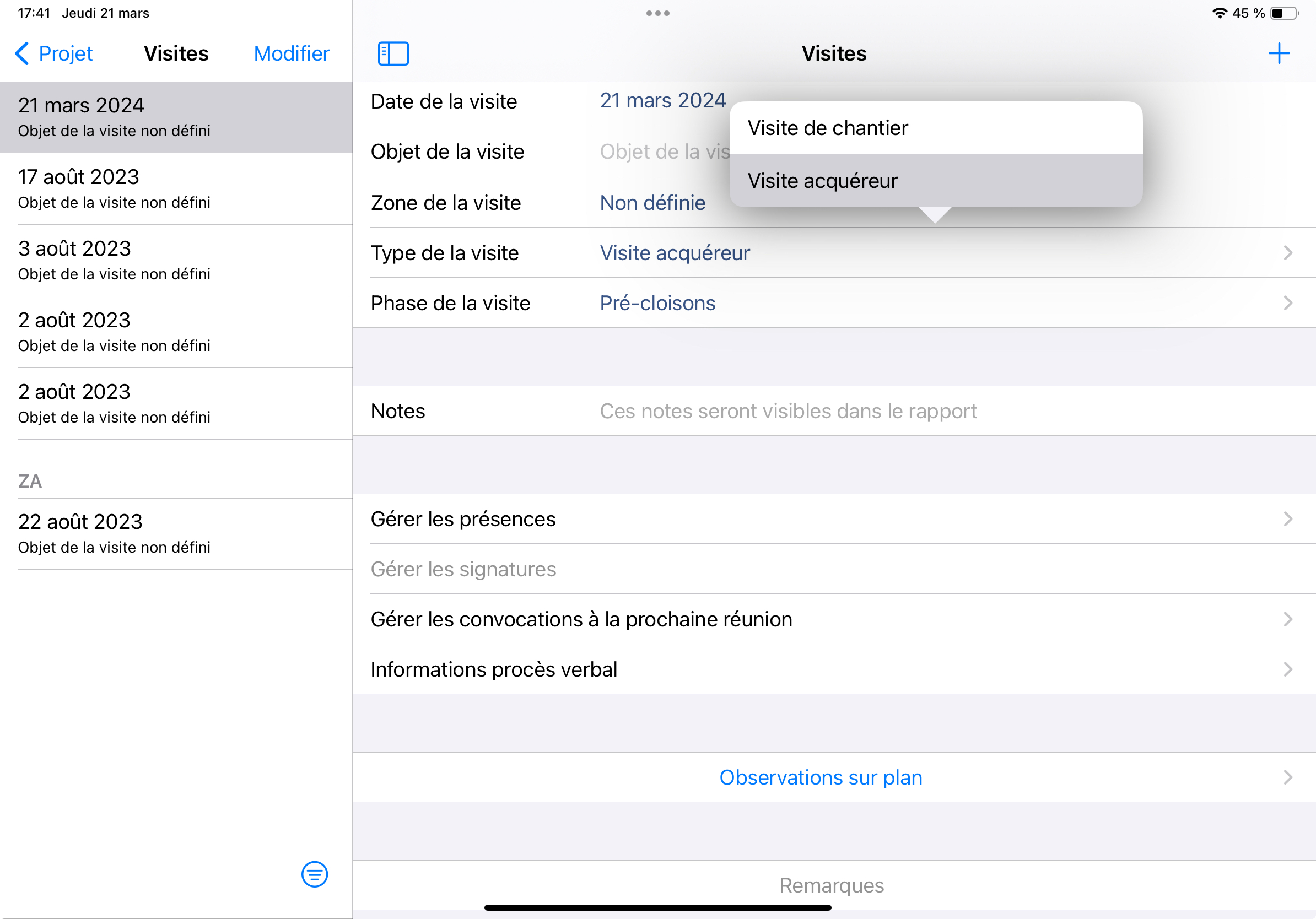
Open the Meetings menu.
Tap the “+” button located in the top right corner.
A new Meeting will be created automatically.
In the “Meeting Type” field, select the “Buyer Meeting” option.