


Objective: Discover how to access your Archipad account on all your devices.
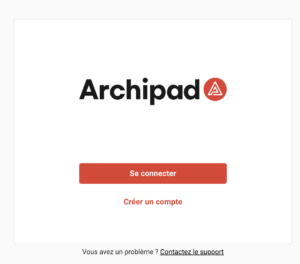
- Open the Archipad application or go to https://cloud.archipad.com/
- Click on “Log in“.
- Enter your email address and password.
- Click on “Log in” to access your list of projects.
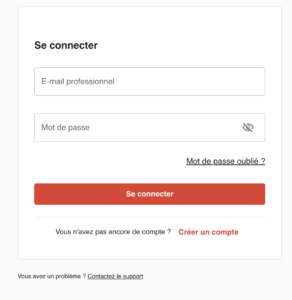
Tip: If you forget your password, use the “Forgot password?” link to reset it.