


You can reset your password from the Archipad login page.
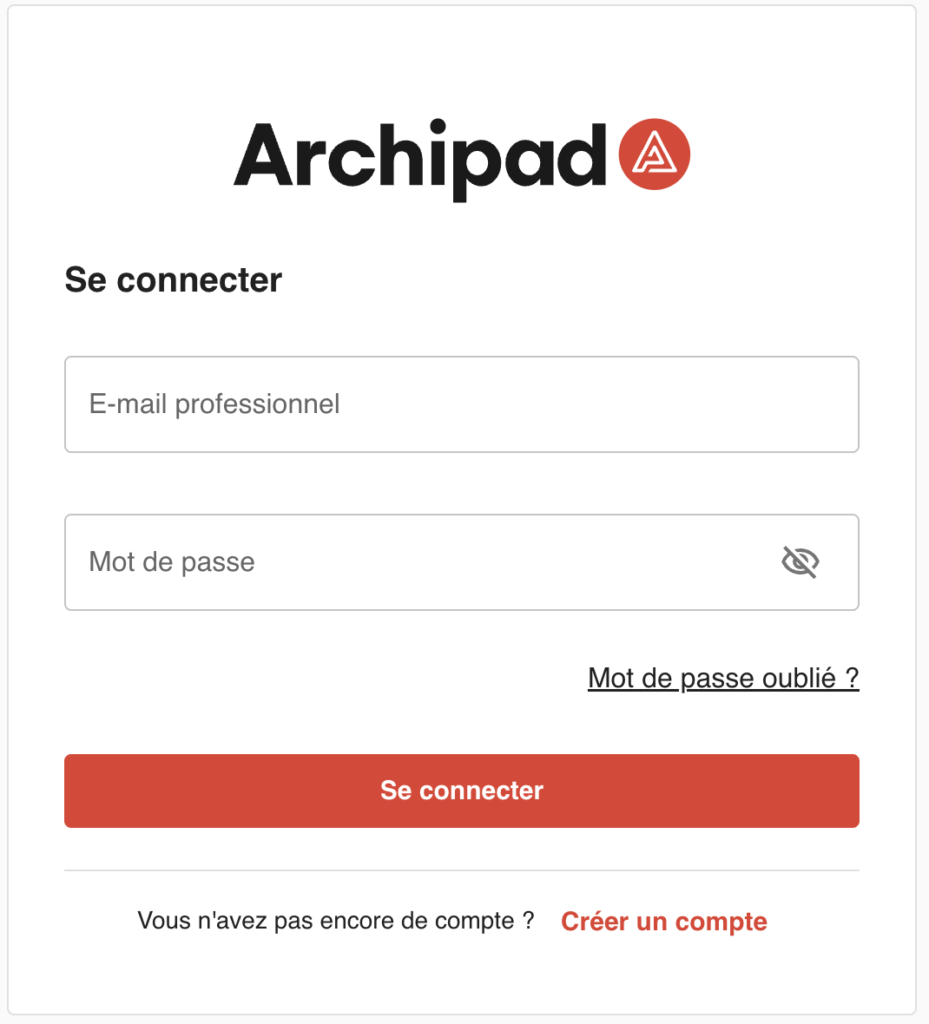
- From the login page, click Forgot password?
- Enter the email address associated with your account, then click Send me the code.
- Retrieve the verification code sent to your email, then enter it in the Verification code field.
- Set your new password, then Validate.
Make sure the email address is valid so you can receive the password reset email containing the verification code.
We recommend choosing a strong password and using a password manager to enhance your account security.
Good to know
If your account is locked:
After 10 unsuccessful login attempts, your account will be automatically locked with the message “Account locked”. You simply need to reset your password.