


To subscribe to an Archipad subscription, you must have an Archipad account. If you don’t already have one, create your account before you begin.
Subscribe to the subscription
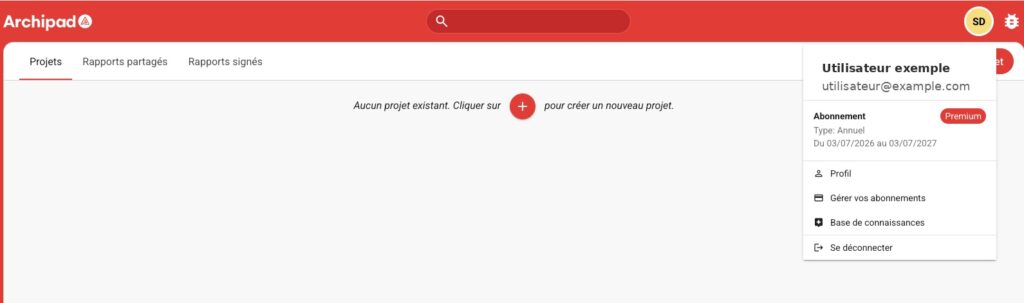
- Log in to Archipad Web with your Archipad account.
- From your Archipad Web space, click Subscribe.
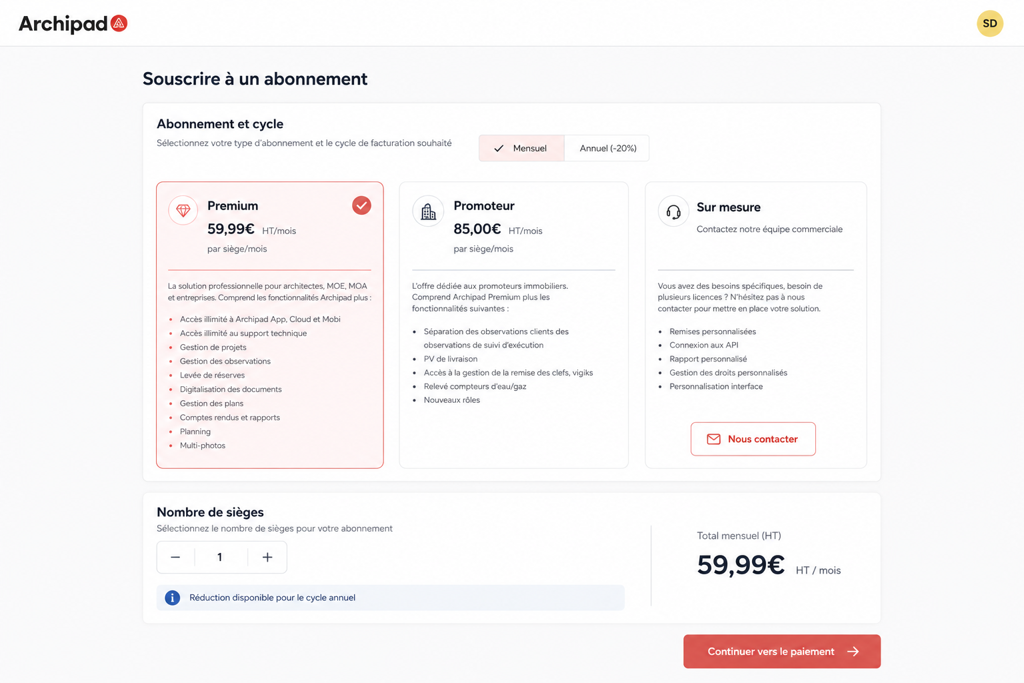
- You will be redirected to the Subscription page. Select the desired plan, choose your Billing cycle, then specify the number of seats to subscribe to. For an annual subscription, a discount may apply depending on the number of seats selected.
- Review your subscription summary, then proceed to payment.
Once payment is finalized, your subscription is activated and available from the Admin Console.
Authorized payment methods are credit card and SEPA.