


After selecting your subscription, billing cycle, and number of seats, you need to complete your purchase by making a payment.
Accepted payment methods are credit card and SEPA.
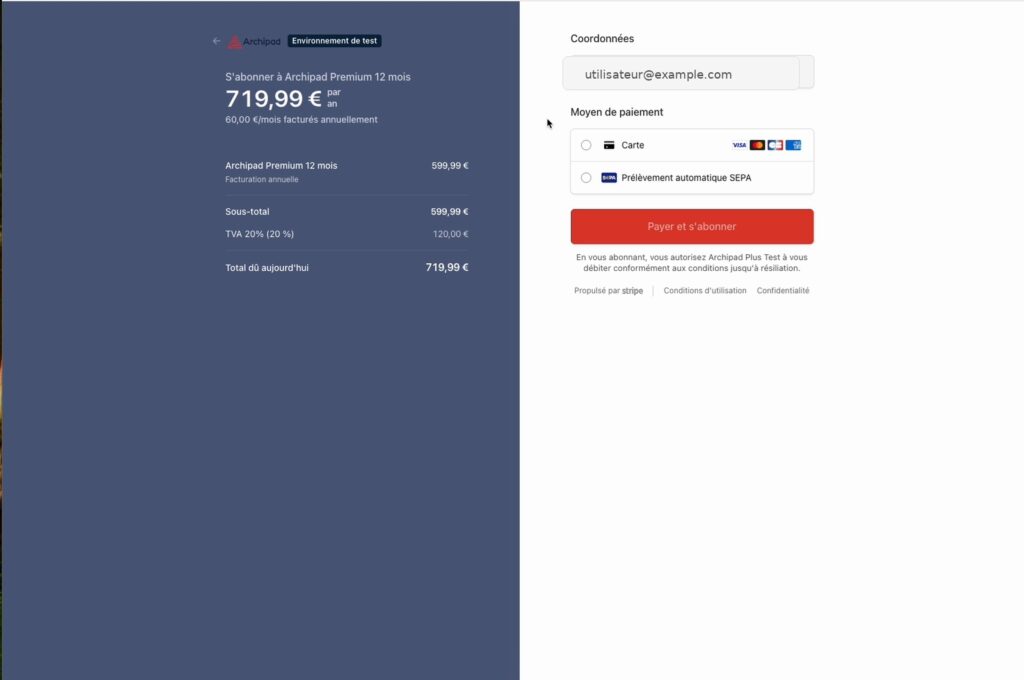
Complete your payment
- Review your subscription summary.
- Choose your payment method: credit card or SEPA.
- Enter the requested information.
- Confirm your payment.
Once payment is confirmed, your subscription is activated. An invoice is generated and available from the Billing menu in the Admin Console.