


Available on
- 🖥️ Archipad Web
- 🤖 Android (same steps as the Web version)
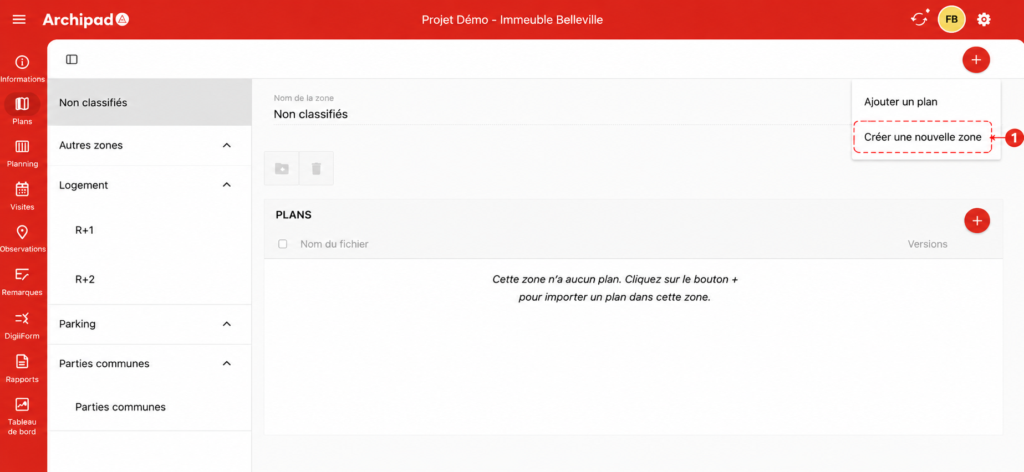
Regions allow you to structure your project’s Plans to make organization and navigation easier. For example, you can create a Region per building, floor, work Phase, or discipline.
Steps
- Open the relevant Project.
- Go to the Plans menu.
- Click the + button in the top right corner.
- Select Create a new Region.
- Enter the Region name.
- Confirm creation.
Good to know
Region creation is not available on Archipad iOS. Once a Region is created from Archipad Web, it becomes accessible in the iOS app and can be used to organize Plans.