


You can change your password directly from your user profile if you are already logged in to Archipad.
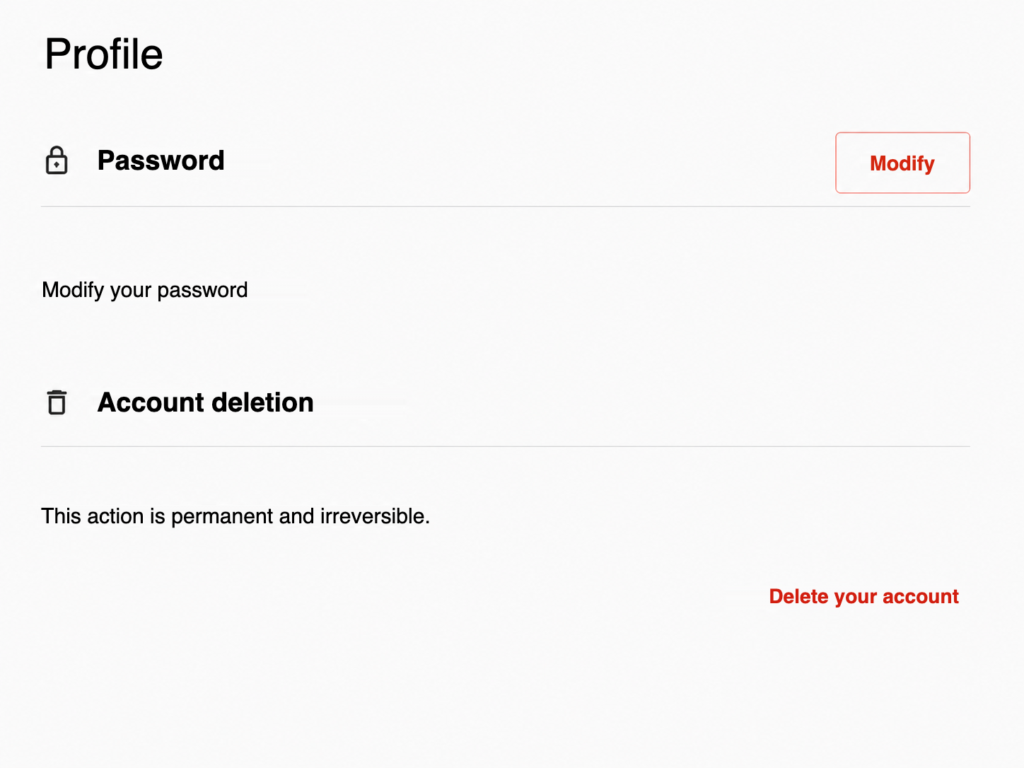
- Open your user profile from the application menu.
- Go to the Change password section.
- Enter your current password, then your new password.
- Click Save.
Choose a secure password. We recommend using a password manager to enhance your account security.