


Prepare your next site meeting by defining its date, time and the people to summon.
Prepare the summons
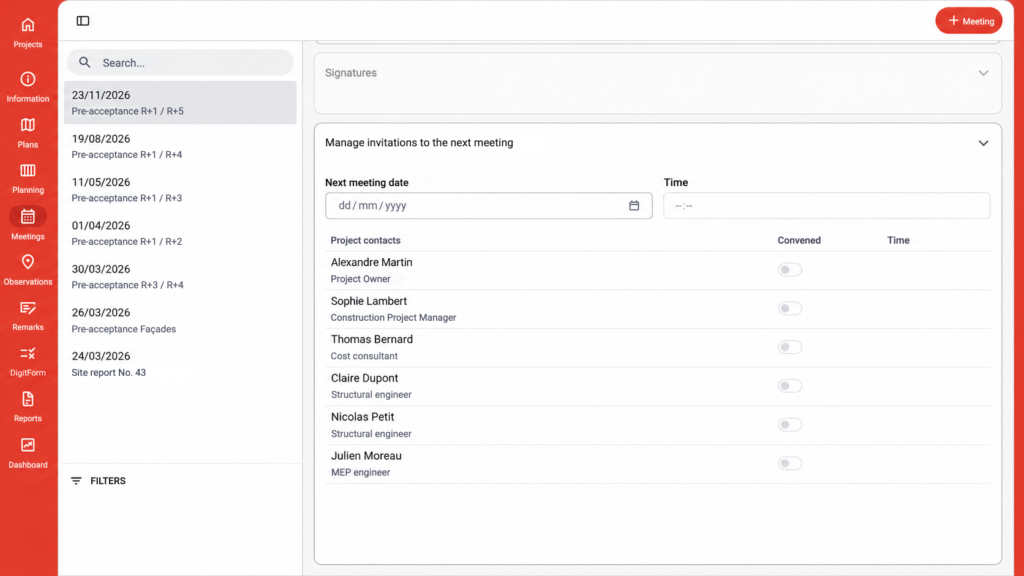
- Open your Meeting, then access Manage summons to the next meeting.
- Enter the date and Time of the next meeting.
- Select the people and Work packages to summon.
- If necessary, define a specific summons time for certain Participants.
The meeting Start time is used by default as the summons time.
Add a Visitor
Touch Add a Visitor to Select an existing Contact or create a new one.
Visitors added may also appear among the recipients of the Meeting Report.